Quick Answer: What is the KNEC Portal?
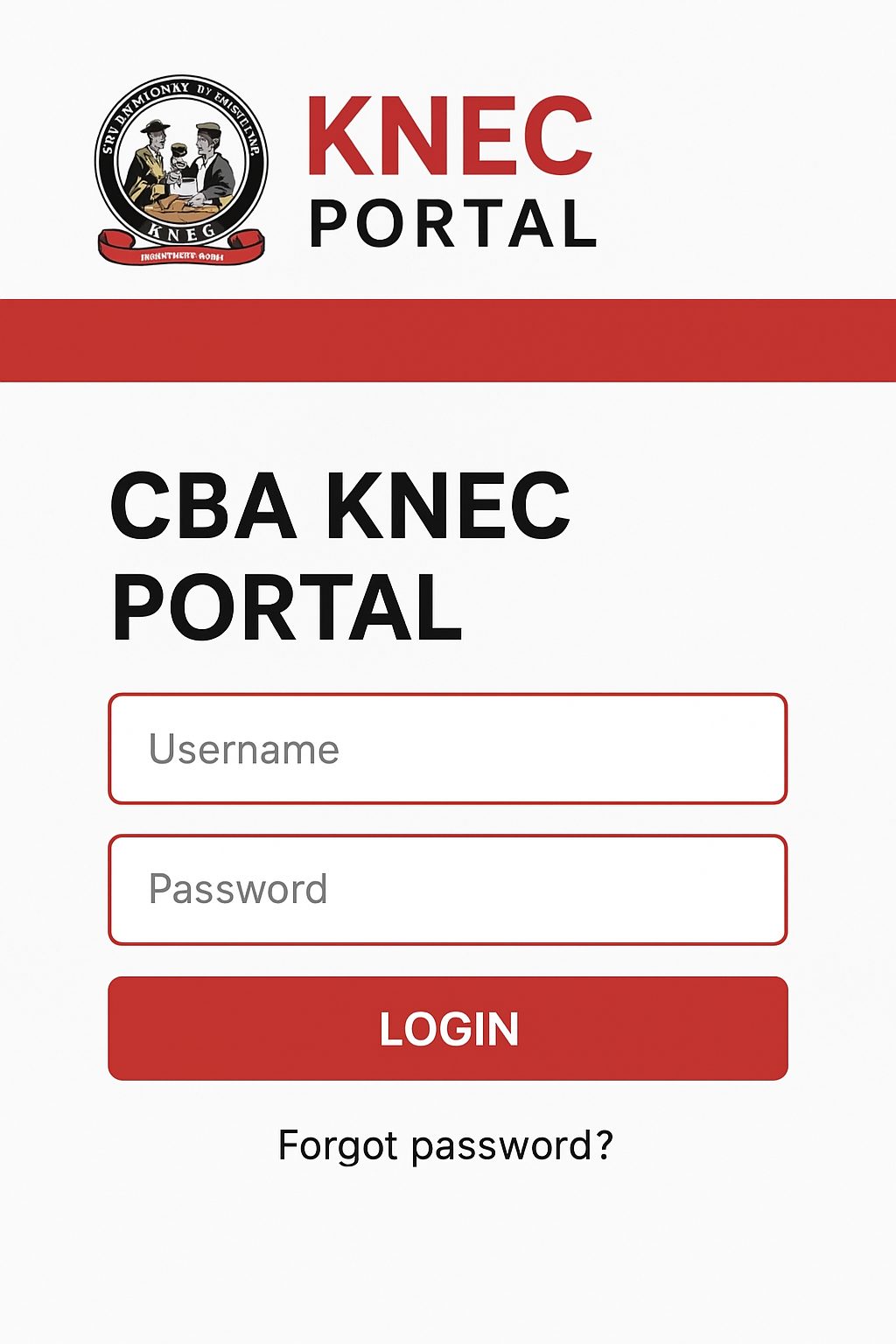
The KNEC portal is Kenya National Examinations Council’s official online platform at www.knec-portal.ac.ke where students register for exams, check results online, and access examination services. Schools use it for candidate registration (January-March), students check KCSE/KCPE results via results.knec.ac.ke, and teachers access the CP2 portal at cp2.knec.ac.ke for examiner jobs.
Key KNEC Portal Services:
- Student exam registration (KCSE, KCPE, KPSEA)
- Online results checking (within minutes of release)
- CP2 portal for examiners and invigilators
- Certificate verification and replacement
- Result slip downloads
Exam results are typically released 6-8 weeks after exams, and certificates arrive at schools 8 months later through sub-county education offices.
Have you ever struggled to find your exam results online? Or maybe you’re a teacher wondering how to register your students for national exams? The KNEC portal has become the go-to digital platform for millions of Kenyans navigating the education system. Whether you’re a Form Four student anxiously waiting for KCSE results, a parent helping your child register for KCPE, or a teacher applying to be an examiner, understanding how to use the KNEC portal can save you time, money, and frustration.
With over 962,000 candidates sitting for KCSE exams in 2024 alone, the KNEC portal has transformed how we access examination services in Kenya. Gone are the days of traveling to KNEC offices in person or waiting weeks for physical result slips. Today, you can check your results, register candidates, apply for examiner positions, and even request certificate replacements—all from your phone or computer.
But here’s the problem: many Kenyans still don’t know how to properly navigate the different KNEC portals. Some confuse the main portal with the CP2 system. Others miss registration deadlines because they don’t understand the process. This comprehensive guide will walk you through everything you need to know about the KNEC portal in 2025, with clear steps, real examples, and practical tips you can use today.
What is the KNEC Portal?
The KNEC portal is the official online gateway to examination services provided by the Kenya National Examinations Council. Think of it as a digital office where you can complete almost any exam-related task without visiting a physical KNEC location.
KNEC operates different portals for specific purposes, with each examination having its own portal primarily for registration. The main portals include:
- www.knec-portal.ac.ke – Main portal for exam registration and result slips
- results.knec.ac.ke – Dedicated portal for checking KCSE and KCPE results
- cp2.knec.ac.ke – Contracted Professionals portal for examiners and invigilators
- qmis.knec.ac.ke – Query Management Information System for certificates and complaints
In Kenya, KNEC handles all national examinations, from primary school assessments to technical and vocational exams. President Ruto has praised improvements in the education system, noting that more students are enrolling and completing their schooling, which means more people rely on these portals every year.
Why Kenyans Need the KNEC Portal
The KNEC portal has become essential for several reasons:
For Students:
- Check exam results immediately after release
- Download and print result slips at home
- Confirm your registration details before exams
- No need to queue at schools or pay for SMS services
For Schools and Teachers:
- Register candidates online during the official window (January-March)
- Edit student information before deadlines
- Track registration confirmations
- Access teaching resources and circulars
For Parents:
- Monitor your child’s exam registration status
- Verify that details are correct (name spelling, birth date)
- Download official result slips
- Save time and transport costs
For Education Professionals:
- Apply for examiner positions through CP2
- Update professional qualifications
- Access deployment letters and schedules
- Track payment claims online
Over 965,000 students registered for the 2024 KCSE exams, sitting in 10,755 centers nationwide, showing just how crucial these digital services have become.
Types of KNEC Portals and Their Uses
Main Examination Portal (www.knec-portal.ac.ke)
This is where schools log in to register candidates for national exams. Each school has unique login credentials provided by their Sub County Director of Education (SCDE).
Used for:
- KCSE candidate registration
- KCPE candidate registration
- KPSEA (Kenya Primary School Education Assessment) registration
- Uploading student passport photos
- Printing registration confirmations
Results Portal (results.knec.ac.ke)
The dedicated results checking platform launched to handle high traffic when exam results are released.
Features:
- Fast result access using index number
- No login required for basic checking
- Works on mobile phones and computers
- Free to use (no charges)
CP2 Portal (cp2.knec.ac.ke)
The Contracted Professionals System is an integrated online system that allows KNEC to manage all national examination officers, capturing accurate details of everyone contracted to supervise, invigilate, and manage exams.
Who uses it:
- Teachers registered with TSC
- Security personnel from National Police Service
- Drivers with valid NTSA licenses
- Exam center managers
- Invigilators and supervisors
Query Management System (qmis.knec.ac.ke)
This portal handles certificate issues, complaints, and verification requests.
Services offered:
- Lost certificate replacement applications
- Certificate verification for employers
- Result dispute resolution
- Exam certificate queries
How to Register Candidates on the KNEC Portal
The candidate registration process is now fully digital except for private students, with registration running from January to March, plus a pre-registration period from November to December.
Step 1: Gather Required Information
- Student’s full names (as per birth certificate)
- Date of birth
- National ID or birth certificate number
- Passport-size photo (digital format)
- Previous exam details if applicable
Step 2: Access the Portal
- Go to www.knec-portal.ac.ke
- Select KCSE or KCPE registration
- Log in using your school’s KNEC username and password
Step 3: Register Candidates
- Click “Register Candidates” tab
- Select “Add New Candidate”
- Fill in student details carefully
- Upload passport photo (must meet KNEC specifications)
- Save and submit
Step 4: Confirm Registration
- Use the “Confirm Registration” feature
- Verify all details are correct
- Print confirmation slip for records
- Make corrections before deadline if needed
Important Deadlines:
- Pre-registration: November 1 – December 31
- Main registration: January 1 – March 31
- Late registration is NOT allowed
Common Mistakes to Avoid:
- Misspelling student names
- Using photos that don’t meet size requirements
- Missing the registration deadline
- Forgetting to confirm registration after submission
- Not keeping backup records of registration
Step-by-Step Guide: How to Check KCSE Results Online
Starting from 2023, KNEC discontinued the SMS code service for checking results due to inefficiencies and complaints from parents and students. Here’s the current method:
Method 1: Using the Results Portal (Recommended)
- Open Your Browser
- Use any web browser (Chrome, Firefox, Safari)
- Works on phones, tablets, or computers
- Ensure you have stable internet connection
- Visit the Results Portal
- Type: https://results.knec.ac.ke
- Wait for the page to load (may be slow during peak hours)
- Bookmark this page for future use
- Enter Your Details
- Type your 11-digit index number
- Enter ONE of your registered names (exactly as registered)
- Double-check for typos
- Submit and View
- Click “View Results” button
- Your grades will appear on screen
- You can print or screenshot for records
- Download Result Slip
- Optional: Download PDF version
- Save to your device
- Print if needed
Method 2: Check at Your School
Official result slips are accessible through examination centers where candidates sat their exams. Visit your school within 30 days of results release to collect your official printed result slip.
What to Do if You Can’t Access Results:
- Check your internet connection
- Verify your index number is correct
- Try a different browser
- Wait 30 minutes if site is overloaded
- Call KNEC toll-free numbers: 0800724900 or 0800721410
Understanding Your Results:
Your KCSE result slip shows:
- Individual subject grades (A to E)
- Overall mean grade
- Total points scored
- School and candidate details
- Official KNEC stamp
How to Use the CP2 KNEC Portal
The CP2 portal revolutionized how KNEC recruits and manages examination personnel. Here’s how it works:
First-Time Registration
First-time users who have never registered should visit cp2.knec.ac.ke and click “Create Account” to start the registration process.
Registration Steps:
- Visit CP2 Portal
- Go to http://cp2.knec.ac.ke
- Click “Create Account” button
- Have your phone ready
- Enter Mobile Number
- Type your active phone number
- Include country code (+254)
- Confirm the number is correct
- Click “Create Account”
- Receive Login Details
- Check your SMS inbox
- You’ll receive username and password
- Note down these details securely
- You’ll also get a link to access the system
- Complete Your Profile
- Log in with SMS credentials
- Fill in personal information
- Add work experience details
- Upload qualifications (scanned copies)
- Submit for verification
Eligibility Requirements:
Teachers must be fully registered by TSC and practicing; drivers must be accredited by NTSA with valid licenses; security personnel are contracted from the National Police Service.
Applying for Examiner Positions
Once registered, you can apply for available positions:
- Select Job Criteria
- Examination type (KCPE, KCSE, KPSEA)
- Activity (supervision, invigilation, management)
- Duty station (exam center, distribution center)
- County and sub-county
- Specific position wanted
- Search and Apply
- Click “Search” to view openings
- Review job details and requirements
- Click “Apply” for positions that match
- Submit application before deadline
- Track Your Application
- Check status regularly
- Download deployment letters when available
- Note your assigned center and dates
Forgot Your Password?
Send an SMS with your mobile number to 22262, and you’ll receive a new password to access the system.
Cost of KNEC Portal Services
Understanding the fees helps you budget properly:
| Service | Cost (KES) | Payment Method |
|---|---|---|
| Exam registration | Free | N/A |
| Checking results online | Free | N/A |
| CP2 account creation | Free | N/A |
| Lost certificate replacement | 5,220 | M-Pesa/Bank |
| Certificate verification | 2,320 | M-Pesa/Bank |
| Result query (within 30 days) | 5,000 | Generated paybill |
| Private candidate registration | Varies by exam | Check KNEC website |
Important Notes:
- School-based registration is free for students
- Private candidates pay exam fees directly
- Certificate replacement is NOT free
- Verification fees apply per document
- Query fees only if submitted after 30 days
Common Mistakes to Avoid When Using KNEC Portal
Registration Errors:
- Name Spelling Mistakes – Always use the exact name on birth certificate or ID
- Wrong Photo Format – Photos must be passport-size, clear background, recent
- Missing Deadlines – KNEC does NOT accept late registrations
- Incorrect Birth Dates – Double-check dates before submitting
- Not Confirming Registration – Always use the “Confirm” feature
Results Checking Mistakes:
- Wrong Index Number – Verify your index number from school records
- Name Variations – Use the EXACT name registered during exams
- Checking Too Early – Results portal activates AFTER official release
- Multiple Requests – Don’t refresh repeatedly; it slows the system
- Not Reporting Errors – Report any discrepancies to KNEC within 30 days
CP2 Portal Mistakes:
- Incomplete Profile – Fill ALL required fields for approval
- Wrong Phone Number – Use an active number for SMS alerts
- Expired Qualifications – Update certificates regularly
- Late Applications – Apply as soon as positions are advertised
- Not Downloading Letters – Save deployment letters immediately
Future Trends in KNEC Digital Services
KNEC continues to improve its digital platforms. Here are emerging trends:
Mobile App Development Rumors suggest KNEC is developing a mobile app for easier access to services. This would allow push notifications for results and registration reminders.
Biometric Integration To combat exam malpractice, KNEC may introduce fingerprint verification during exam registration and sitting.
AI-Powered Marking With over 32,800 examiners hired for the 2024 KCSE marking, KNEC is exploring technology to speed up marking without compromising quality.
Blockchain Certificates Digital certificates secured by blockchain technology could eliminate forgery and make verification instant.
Real-Time Registration Monitoring Schools might soon track registration numbers live to ensure no student is left behind.
Enhanced Security Features Personalized exam papers with candidate details like names, index numbers, and schools show KNEC’s commitment to combating cheating.
Frequently Asked Questions About KNEC Portal
Q: When does the KNEC portal open for registration? A: Pre-registration runs November 1-December 31, and main registration opens January 1-March 31 each year.
Q: Can private candidates register through the portal? A: Private candidates must contact their local Sub County Director of Education office for special registration procedures.
Q: How long after exams are results released? A: Results are typically released 6-8 weeks after examinations, though KNEC aims to reduce this timeline.
Q: Are KNEC portal services available on mobile phones? A: Yes, all portals are mobile-friendly and work on smartphones with internet connection.
Q: Can I change my exam subjects after registration? A: Subject changes must be made during the registration window and follow KNEC guidelines for your specific exam level.
Q: What if I forget my CP2 login details? A: Send “PASSWORD” to 22262 via SMS, and you’ll receive new login credentials.
Q: How do I verify someone’s KNEC certificate? A: Use the QMIS portal at qmis.knec.ac.ke, pay the verification fee (KES 2,320), and submit the verification request with the candidate’s details.
Q: When do schools receive certificates after exams? A: Certificates are dispatched to schools through sub-county education offices 8 months after examinations.
Q: Can I download my certificate from the portal? A: No, certificates must be collected physically from schools or sub-county offices. However, you can apply for a Certification Letter through QMIS.
Q: Is there a fee to check results online? A: No, checking results through the KNEC portal is completely free.
My Experience with the KNEC Portal
I remember when my younger sister sat for her KCSE exams in 2023. As the older sibling who had gone through the system years before, I thought I knew everything about checking results. Boy, was I wrong!
When the results were announced on national TV, we rushed to the KNEC portal—only to find it completely overwhelmed. The page wouldn’t load. We tried refreshing dozens of times. My sister was in tears, convinced something had gone wrong with her exams.
After about 30 minutes of frustration, I remembered the advice from a teacher friend: “Wait for the initial rush to pass.” So we made tea, sat down, and tried again 45 minutes later. This time, the portal loaded smoothly. We carefully entered her index number (I triple-checked it), typed her first name exactly as it appeared on her ID, and clicked submit.
Those few seconds felt like hours. Then, there it was—a beautiful B+ staring back at us from the screen. My sister screamed so loud that our neighbors came over to check what had happened!
What I learned that day was patience and preparation matter. We had written down her index number weeks before, confirmed the exact spelling of her registered name, and bookmarked the results portal. These simple steps saved us from the panic many families experienced.
Today, I help parents in my community prepare for results day. I show them how to access the portal, explain what information they need, and remind them that the system gets better every year. The KNEC portal isn’t perfect, but it’s transformed how we access exam services in Kenya—and that’s something worth celebrating.
Key Takeaways
- The KNEC portal system includes multiple platforms: main portal, results portal, CP2 for professionals, and QMIS for queries
- Exam registration happens January-March; never miss these deadlines as late registration is not allowed
- SMS result checking has been discontinued; use results.knec.ac.ke instead
- All results checking is free through the official KNEC portal
- Teachers can register for examiner positions through the CP2 portal at cp2.knec.ac.ke
- Certificate replacement costs KES 5,220 and takes several weeks to process
- Always report result discrepancies within 30 days of release
- Keep your registration confirmation and index number safe until you receive certificates
Ready to take control of your examination journey? Whether you’re registering for exams, checking results, or applying to be an examiner, the KNEC portal puts these services at your fingertips. Bookmark the relevant portals, keep your login details safe, and never miss important deadlines again.
Looking for more ways to succeed academically and professionally? Explore online job opportunities in Kenya to supplement your education goals or find remote work that fits your schedule. The digital economy is growing, and with platforms like KNEC going online, there’s never been a better time to embrace technology for your future.
Have questions about using the KNEC portal? Share your experiences in the comments below. If you’ve successfully registered candidates, checked results, or worked as a KNEC examiner, your insights could help someone else navigate the system more easily. Let’s build a community where we help each other succeed!
Sources and References
This guide draws from official KNEC communications, government education policies, and reputable news sources:
- Kenya National Examinations Council Official Website – www.knec.ac.ke
- KNEC Results Portal – results.knec.ac.ke
- Kenya National Bureau of Statistics – www.knbs.or.ke
- Ministry of Education Kenya – www.education.go.ke
- Business Daily Africa Education Section – www.businessdailyafrica.com
- Tuko.co.ke Education News – Comprehensive coverage of KNEC portal developments
- The Star Kenya – Official KCSE 2024 results release coverage
- Nation Africa – Education policy and examination updates
All statistics and procedures mentioned are based on official KNEC announcements and verified through multiple authoritative sources. For the most current information, always refer to the official KNEC website or contact KNEC directly at their toll-free numbers: 0800724900 or 0800721410.
Take Action Now: Bookmark this guide, share it with fellow students and parents, and help spread accurate information about KNEC portal services in Kenya. Together, we can make the examination process smoother for everyone!