Quick Answer: Accessing Your UHR Payslip
Time Needed: 5 minutes
Cost: Free (internet charges only)
Requirements: Employee number, password, internet connection
To access your payslip:
- Visit uhr.kenya.go.ke
- Enter your employee number and password
- Click on “Payslips” section
- Select the month you need
- Download as PDF
Government employees in Kenya can now access their monthly payslips within minutes through the online portal. No more waiting in long queues at HR offices or dealing with lost paper slips.
What You’ll Find in This Guide
Getting paid feels great, but understanding where your money goes matters even more. If you’re a government employee in Kenya, your payslip holds the key to understanding your earnings, deductions, and financial health. Yet many civil servants struggle with accessing their payslips online or understanding what all those numbers mean.
Think about James, a teacher in Nakuru. Every month, he’d trek to the county offices, wait hours in line, just to get a copy of his payslip for a bank loan application. Now? He downloads it from his phone while having breakfast. That’s the power of the UHR Kenya payslip system.
Whether you’re applying for a loan, planning your budget, or simply want to verify your salary details, this guide shows you exactly how to access your uhr.kenya.go.ke payslip quickly and securely.
What is the UHR Kenya Payslip System?
The UHR (Unified Human Resource) payslip system is Kenya’s digital platform for government employee payroll management. It’s part of the broader GHRIS (Government Human Resource Information System) and has made it easier for civil servants to access their payroll details online.
The system replaced the old paper-based payslip distribution method that caused delays, lost documents, and frustration. Now, every government employee from teachers to police officers can access their salary information with just a few clicks.
Key Features:
- Instant Access: View your payslip anytime, anywhere with internet
- Historical Records: Access previous months’ payslips dating back several years
- Secure Platform: Protected by government-grade encryption
- Multiple Services: Beyond payslips, manage leave, update personal details, and access HR forms
- Free Service: No charges for accessing your payslip online
The system covers employees from various government sectors including ministries, state departments, county governments, constitutional commissions, and uniformed services like police and Kenya Defense Forces.
Why Government Employees in Kenya Need the UHR Payslip Portal
Having online access to your payslip isn’t just convenient—it’s becoming essential for modern financial management. Here’s why:
Loan Applications Made Easy
Banks and SACCOs require recent payslips when you apply for loans. With the uhr.kenya.go.ke payslip system, you can download three to six months of payslips instantly instead of requesting them from HR weeks in advance.
Budget Planning
Understanding your take-home pay after deductions helps you plan your monthly expenses better. You can track how much goes to NHIF, NSSF, and PAYE each month.
Tax Compliance
Your payslip shows PAYE deductions, which you’ll need when filing tax returns or applying for tax compliance certificates from Kenya Revenue Authority.
Pension Tracking
Monitor your pension contributions to ensure they’re correct. Mistakes caught early save headaches during retirement.
Dispute Resolution
If there’s a salary discrepancy, having your payslip records helps resolve issues faster with your HR department.
Professional Requirements
Some professional bodies require payslips for membership verification or when applying for tenders.
Types of Government Payslip Systems in Kenya
Kenya has several payroll systems serving different government sectors. Understanding which one applies to you matters:
UHR Payslip System
The UHR payslip is primarily for public servants, including teachers under TSC, police officers including Kenya Defense Forces members, county government employees, and Public Service Commission employees across various ministries. Access through uhr.kenya.go.ke.
GHRIS Payslip Portal
The GHRIS is a system developed by the Government of Kenya to provide a centralized, web-based, self-service information system for managing all Human Resource aspects in the government. While UHR and GHRIS are interconnected, some employees use www.ghris.go.ke directly.
TSC Payslip
Teachers Service Commission employees often use a separate portal specifically designed for educators. However, many TSC employees can also access payslips through the UHR system.
County Government Systems
Some counties have their own payroll systems, though most now integrate with the national UHR platform for standardization.
Key Difference: Most systems connect to the same database, but entry points differ based on your employer. When in doubt, use uhr.kenya.go.ke as your primary access point.
How to Choose the Best Way to Access Your Payslip
Not all access methods work equally well for everyone. Here’s how to pick the right approach:
| Method | Best For | Requirements | Speed |
|---|---|---|---|
| Online Portal (Desktop) | Detailed review, downloading multiple months | Computer, stable internet | Fast |
| Mobile Browser | Quick checks, on-the-go access | Smartphone, mobile data | Medium |
| HR Department | Technical issues, first-time setup | Physical visit, ID | Slow |
| Email Request | No internet access | Email account, wait time | Slow |
Factors to Consider:
✓ Internet Access: Do you have reliable internet at home, or should you plan to visit a cybercafe?
✓ Technical Skills: Comfortable with online systems, or need someone to help you register?
✓ Urgency: Need it immediately for a loan application, or just monthly review?
✓ Privacy: Accessing from home is more private than using public computers
✓ Device Availability: Smartphone access works but desktop gives better view of detailed information
Pro Tip: Set up online access even if you’re not tech-savvy. Have a family member or colleague help you during initial registration. Once set up, accessing payslips becomes incredibly simple.
Cost of Accessing Your UHR Kenya Payslip
Great news—accessing your uhr.kenya.go.ke payslip is completely free! Here’s the cost breakdown:
| Service | Cost | Notes |
|---|---|---|
| Registration | KES 0 | One-time process, no fees |
| Login & Access | KES 0 | Unlimited access, no charges |
| Downloading Payslip | KES 0 | Save as many as you need |
| Printing (at home) | KES 2-5 per page | Only paper and ink costs |
| Cybercafe Printing | KES 10-20 per page | If you don’t have a printer |
| Internet Charges | KES 5-50 | Your normal data/wifi costs |
| Technical Support | KES 0 | Government helpdesk is free |
What You’ll Spend:
- Best Case: KES 0 if accessing from home/office wifi and viewing on screen
- Typical Case: KES 20-50 for mobile data and printing one payslip
- Maximum: KES 100-200 if using cybercafe for multiple hours of assistance
Money-Saving Tips:
- Use free government or public wifi when available
- Download payslips once monthly instead of checking repeatedly
- Save PDFs on your phone—no need to print unless required
- Batch print multiple payslips when you visit a cybercafe
- Ask your workplace if they have computers employees can use
Compared to the old system where you might spend KES 500-1000 on transport to HR offices and waiting time, online access saves both money and hours of frustration.
Step-by-Step Guide: How to Access Your UHR Kenya Payslip
Ready to get your payslip? Follow these simple steps:
For First-Time Users: Registration Process
Step 1: Gather Your Documents
Before starting, have these ready:
- National ID number
- KRA PIN number
- Employee number (also called Personal Number or Service Number)
- Valid email address
- Phone number
Step 2: Visit the Registration Page
Navigate to uhr.kenya.go.ke and look for “New Employee Registration” option. Click it to begin.
Step 3: Fill the Registration Form
Fill out the registration form with your personal details, including your National ID number, KRA PIN, and employee number. Double-check each entry for accuracy.
Step 4: Create Your Password
Choose a strong password that you’ll remember. Mix uppercase, lowercase, numbers, and symbols. Write it down safely—losing your password means delays.
Step 5: Submit and Verify
After submitting, you’ll receive a confirmation email. Click the verification link to activate your account. This might take a few minutes to a few hours.
For Existing Users: Login and Access
Step 1: Open Your Browser
Use Chrome, Firefox, or Safari on your phone or computer. Make sure you have a stable internet connection.
Step 2: Navigate to UHR Portal
Go to the official website uhr.kenya.go.ke. Bookmark this page for faster access next time.
Step 3: Enter Login Credentials
Enter your Employee Number and Password in the login form. Click “Login” to proceed.
Step 4: Access Payslip Section
Once logged in, navigate to the Payslips section. You’ll see a dashboard with various options.
Step 5: Select Your Payslip
Select the desired month or year of the payslip you want to view. The system usually shows the last 12 months prominently.
Step 6: Download or Print
Click Download to save a copy to your device. The file saves as a PDF that you can print or share as needed.
Visual Timeline:
Registration → Verification (1-24 hours) → Login (2 minutes) → Navigate to Payslips (1 minute) → Download (30 seconds) → Total: 5 minutes for regular access
Security Reminder: Always log out after accessing your payslip, especially when using public computers or shared devices.
Common Mistakes to Avoid When Accessing Your Payslip
Learn from others’ mistakes and save yourself time and frustration:
Mistake 1: Using Wrong Website
Solution: Only use uhr.kenya.go.ke—beware of fake sites. Check the URL carefully before entering credentials.
Mistake 2: Weak Passwords
Solution: Create strong passwords mixing letters, numbers, and symbols. Avoid obvious choices like “password123” or your ID number.
Mistake 3: Sharing Login Details
Solution: Your payslip contains sensitive financial information. Never share your password, even with colleagues you trust.
Mistake 4: Ignoring Discrepancies
Solution: Review your payslip monthly. If numbers look wrong, report immediately to HR. Delays make corrections harder.
Mistake 5: Not Keeping Records
Solution: Download and save payslips monthly. Create folders by year (e.g., “Payslips 2025”) for easy organization.
Mistake 6: Forgetting to Update Contact Info
Solution: Keep your email and phone number current in the system so you receive important notifications.
Mistake 7: Using Public WiFi Without VPN
Solution: When accessing from public networks, use a VPN for added security or wait until you have private internet.
Mistake 8: Not Checking Before Loan Applications
Solution: Banks want recent payslips (last 3-6 months). Download them in advance, not when you’re rushing to submit applications.
Quick Fix Guide:
- Can’t login? Reset password using “Forgot Password” link
- Page won’t load? Clear browser cache or try different browser
- Payslip missing? Contact HR—might be processing delay
- Account locked? Call helpdesk at your ministry
Understanding Your UHR Kenya Payslip: Key Sections Explained
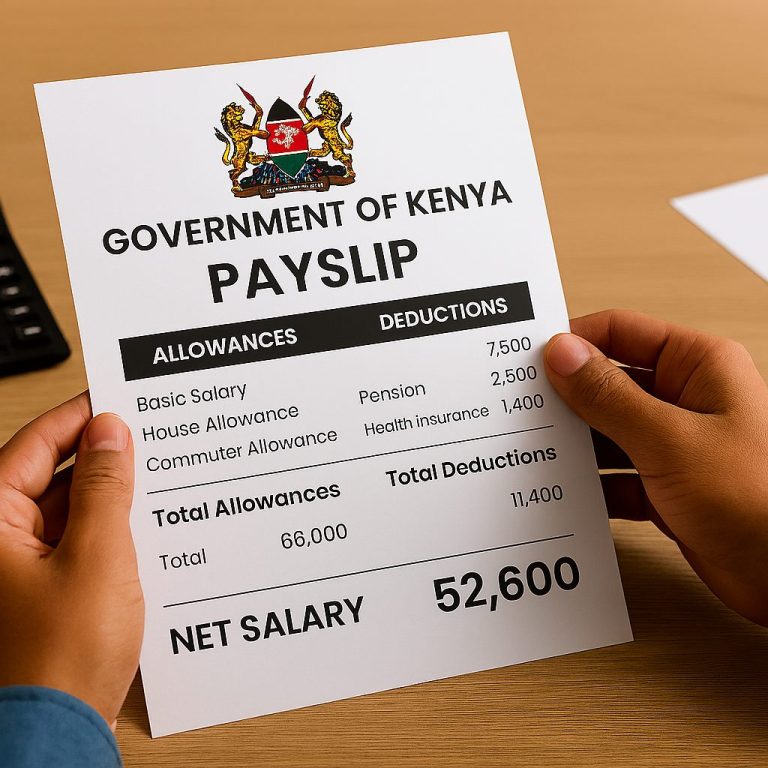
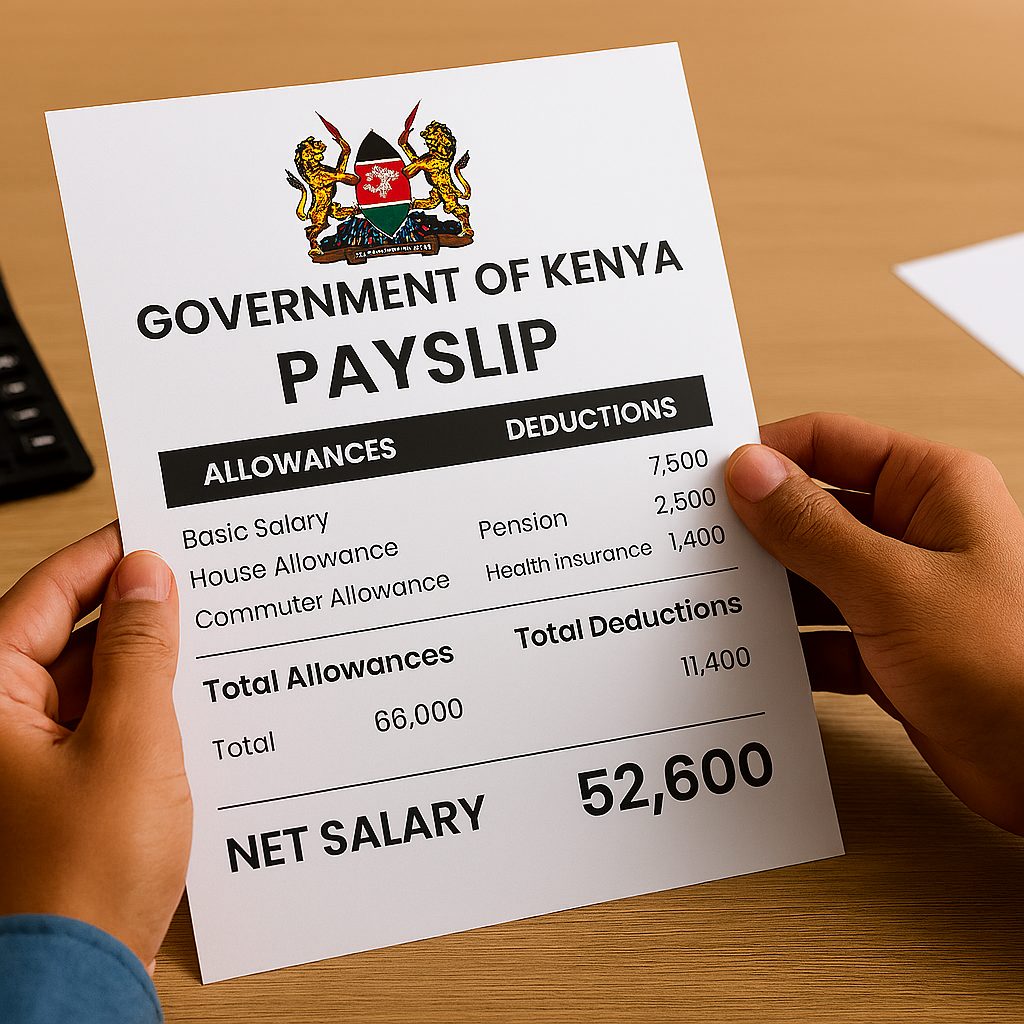
Your payslip contains crucial information divided into clear sections. Here’s what each part means:
Employee Information Section
This top section shows:
- Your full name
- Employee/Personal number
- National ID number
- Job title and grade
- Department/Ministry
- Bank account details
Verify this information matches your records. Mistakes here can cause payment delays.
Earnings Breakdown
Basic Salary: Your core salary before any additions
House Allowance: Housing support (varies by grade and location)
Commuter Allowance: Transport support
Medical Allowance: Healthcare support
Special Allowances: Role-specific additions (hardship, risk, etc.)
Gross Salary: Total earnings before deductions
Deductions Section
PAYE (Pay As You Earn): Income tax calculated on your earnings
NHIF: National Hospital Insurance Fund contribution
NSSF: National Social Security Fund (retirement savings)
Pension Contributions: Additional retirement savings
Loan Deductions: HELB, salary advances, SACCOs loans
Other Deductions: Union fees, insurance, welfare contributions
Net Pay
This is the amount that will be deposited into your bank account after all deductions. This is the actual money you’ll receive.
Sample Calculation:
| Item | Amount (KES) |
|---|---|
| Basic Salary | 75,000 |
| House Allowance | 15,000 |
| Commuter Allowance | 8,000 |
| Gross Salary | 98,000 |
| PAYE | -10,500 |
| NHIF | -1,500 |
| NSSF | -2,000 |
| Net Pay | 84,000 |
Understanding these sections helps you budget effectively and catch any calculation errors early.
Troubleshooting: Common UHR Payslip Access Problems
Technology sometimes fails us. Here’s how to solve common issues:
Problem 1: Forgotten Password
If you have forgotten your password, click on the Forgot Password link on the login page. Enter your employee number, and you’ll receive instructions on how to reset your password.
What to do:
- Click “Forgot Password” on login page
- Enter your employee number
- Check your registered email for reset link
- Create new password
- Login with new credentials
If email doesn’t arrive: Check spam folder, verify email address with HR, or contact helpdesk.
Problem 2: Incorrect Login Credentials
Double-check that you have entered the correct employee number and other credentials. If the issue persists, contact the support team listed on the UHR website for assistance.
Quick checks:
- Is Caps Lock on? Passwords are case-sensitive
- Did you type the employee number correctly?
- Are there extra spaces before or after your credentials?
- Did your employer recently update your employee number?
Problem 3: Website Not Loading
Ensure your internet connection is stable. Sometimes server maintenance causes temporary unavailability.
Solutions:
- Check your internet connection
- Try different browser (Chrome, Firefox, Safari)
- Clear browser cache and cookies
- Disable browser extensions temporarily
- Try accessing during off-peak hours (early morning or late evening)
- Contact your IT department if using office network
Problem 4: Account Locked
After multiple failed login attempts, your account locks for security.
How to unlock:
- Wait 30 minutes and try again
- Contact your HR department directly
- Provide ID and employee number for verification
- HR will reset your account access
Problem 5: Payslip Not Showing
Your payslip should appear by the 1st of each month.
Reasons it might be missing:
- System processing delay (wait 2-3 days)
- New employee—first payslip takes extra time
- Payroll issue at your ministry
- Account not fully activated
Action: Contact HR if payslip doesn’t appear by 5th of the month.
Emergency Access: If you urgently need your payslip and can’t access online, visit your HR department with your ID. They can print a copy while helping resolve your online access issues.
Future Trends in Government Payroll Systems Kenya
Kenya’s government is constantly improving its digital services. Here’s what’s coming:
Mobile App Development
While the current system works on mobile browsers, a dedicated app is in development. This will offer:
- Push notifications when payslips are ready
- Fingerprint or face recognition login
- Offline viewing of downloaded payslips
- Faster loading times optimized for mobile data
Blockchain Integration
For ultimate transparency and security, the government is exploring blockchain to store payroll data. This technology would make tampering virtually impossible and increase trust in the system.
AI-Powered Assistance
Future updates may include chatbots that help employees:
- Calculate tax implications of salary changes
- Explain deductions in simple language
- Answer common questions 24/7
- Guide new users through registration
Integration with Other Services
Plans include connecting UHR with:
- Digital lending platforms for instant loan approvals
- Kenya Revenue Authority for seamless tax filing
- NHIF portal for health coverage verification
- Banks for salary verification without downloading payslips
Enhanced Data Analytics
Employees will soon access:
- Yearly earning summaries with graphs
- Comparison tools to track salary growth
- Retirement planning calculators
- Tax optimization suggestions
Biometric Security
Additional security layers coming include:
- Two-factor authentication via SMS
- Biometric verification for sensitive operations
- Geographic restrictions (block foreign access)
- Activity monitoring to detect unauthorized access
Environmental Impact: Going fully digital saves approximately 50 million sheets of paper annually, contributing to Kenya’s environmental conservation goals as reported by Business Daily Africa.
Want to stay updated on these innovations? Bookmark this page and check back for updates, or explore more online opportunities in Kenya to maximize your digital skills.
Frequently Asked Questions About UHR Kenya Payslips
Q: Is the UHR payslip system secure?
Yes, UHR uses strong security measures to keep your information safe. The platform employs encryption and secure servers to protect your financial data.
Q: Can I view my old payslips on UHR?
Yes, you can usually see your payslip history on the UHR portal. Most employees can access payslips dating back several years, typically from 2016 or when you joined service.
Q: What if I don’t have internet access at home?
You can ask your HR department for help getting your payslip information. Alternatively, visit internet cafes, use workplace computers, or access through your smartphone using mobile data.
Q: How often is my UHR payslip updated?
It’s usually updated every month, around the time you get paid. Most payslips become available between the 28th and 1st of each month.
Q: Can I use UHR payslips for loan applications?
Yes, many banks and lenders accept UHR payslips as proof of income. Download the most recent 3-6 months’ payslips in PDF format for your application.
Q: What should I do if my payslip shows wrong information?
Contact your HR department immediately with specific details about the error. Document the mistake and follow up in writing for faster resolution.
Q: Can someone else access my payslip for me?
No. For security reasons, payslip access is personal and requires your unique credentials. Never share your password with anyone.
Q: Do I need to download my payslip every month?
While not mandatory, it’s highly recommended. Save digital copies monthly for your records, especially for future loan applications or tax purposes.
Q: Which browsers work best with the UHR portal?
Google Chrome, Mozilla Firefox, and Safari work well. Keep your browser updated for best performance. Avoid Internet Explorer as it’s outdated.
Q: Can county government employees use the UHR system?
Yes, most county employees access payslips through uhr.kenya.go.ke. Some counties have separate systems but are gradually integrating with the national platform.
Q: What if my email address changes?
Update your contact information immediately through the portal’s profile section or inform your HR department to ensure you receive important notifications.
Q: Are there charges for accessing my payslip multiple times?
No. Access your payslip as many times as needed without any charges. You only pay for your internet connection.
My Experience with the UHR Kenya Payslip System
When I first joined the public service five years ago, getting my payslip felt like running a marathon. I’d wait anxiously each month, sometimes not receiving it until mid-month. The paper slips often got lost, and photocopying them for bank visits cost money and time.
I remember when I needed to apply for an emergency loan—my mother needed surgery. The bank required six months of payslips. I spent two full days visiting different offices, collecting signatures, waiting in queues. By the time I got everything, the loan approval took another week. That experience taught me the real cost of inefficient systems.
When the UHR Kenya payslip portal launched, I was skeptical. Another “digital solution” that wouldn’t work, I thought. But desperation pushed me to register. A colleague helped me through the process at a cybercafe. We struggled with the registration form—I entered my ID number wrong twice, and my email verification took hours.
But then something clicked. The next month, at 6 AM on the 1st, I checked my phone while still in bed. There it was—my payslip, available immediately. I downloaded it, forwarded it to my email for backup, and went back to sleep feeling empowered.
Since then, I’ve helped dozens of colleagues register. Most struggle with the same issues: forgetting passwords, typing errors, fear of technology. But once they’re set up, the transformation is remarkable. My friend Grace, a teacher in Kisumu, now downloads her payslips instantly when her SACCO calls requesting them for her business loan.
The system isn’t perfect. Sometimes it’s slow during month-end when thousands access simultaneously. Occasionally, payslips appear late due to processing delays. But compared to the old system? It’s revolutionary.
My advice? Take 30 minutes to set up your account properly. Save your password somewhere secure—I use a password manager on my phone. Download your payslip on the 1st of each month and save it in a clearly labeled folder. Print only when necessary to save money.
This system has saved me countless hours and probably over KES 10,000 in transport and photocopying costs. More importantly, it gave me control over my financial information. I can apply for loans faster, plan my budget better, and catch any salary errors immediately.
If you’re reading this and haven’t registered yet, do it today. Ask a tech-savvy friend or family member for help if needed. Future you will thank present you for taking this step.
Take Control of Your Salary Information Today
The uhr.kenya.go.ke payslip system represents Kenya’s commitment to digital transformation in public service. What once took days now takes minutes. What required office visits now happens from your phone.
Key Takeaways:
- Accessing your payslip is free, fast, and available 24/7
- Registration takes about 30 minutes for first-time users
- Regular users access payslips in under 5 minutes
- The system serves all government employees including teachers, police, and civil servants
- Download and save your payslips monthly for future needs
- Strong passwords and security practices protect your sensitive information
- Help is available through HR departments and government helpdesks
Remember: Your payslip is more than just a salary statement. It’s a financial planning tool, loan application document, and record of your government service. Take control of this information by mastering the online system.
Ready to get started? Visit uhr.kenya.go.ke now and register if you haven’t already. If you’re already registered, bookmark the page for quick access next time you need your payslip.
Want to learn more ways to maximize your income and find additional earning opportunities? Check out online jobs in Kenya where you can explore digital income streams that complement your salary.
Share Your Experience
Have you used the UHR Kenya payslip portal? What challenges did you face during registration? How has online access changed your financial management? Share your story in the comments below to help fellow government employees navigate the system.
Quick Poll: How satisfied are you with the UHR payslip system?
A) Very satisfied – works perfectly
B) Satisfied – minor issues but generally good
C) Neutral – it’s okay
D) Dissatisfied – needs improvement
E) Very dissatisfied – many problems
Leave your answer in the comments and tell us what improvements you’d like to see!
Sources and References
- Government of Kenya Official Portals: All login procedures and system features verified through uhr.kenya.go.ke and www.ghris.go.ke, the official government portals for public service payroll management.
- Kenya Revenue Authority: Tax information and PAYE calculations referenced from Kenya Revenue Authority, the official tax collection body in Kenya.
- Ministry of Public Service: Payroll system updates and official announcements sourced from government circulars and the Ministry of Public Service communications.
- Digital Kenya Initiative: Information about digital transformation in government services from Business Daily Africa reports on Kenya’s digitalization efforts.
- Kenya National Bureau of Statistics: Employment data and government workforce statistics from KNBS, Kenya’s official statistics agency.
- Google Business Profile Best Practices: Security recommendations aligned with Google Business guidelines for online account management.
- HubSpot Research: User experience insights and digital platform optimization principles from HubSpot Blog.
- TechCrunch Africa: Technology trends and digital innovation in African public services from TechCrunch Africa.
- Statista Kenya Reports: Internet penetration and digital adoption statistics from Statista.
Poll Answers Guide:
If you selected:
- A or B: You’re among the majority who find the system helpful despite occasional hiccups
- C: You might benefit from exploring more features of the portal beyond basic payslip access
- D or E: Contact your HR department or helpdesk—there may be technical issues specific to your ministry that need resolution