Quick Answer: How to Get Your GHRIS Payslip
Need your GHRIS payslip right now? Here’s the fastest way:
- Visit www.ghris.go.ke
- Click “Government of Kenya Employee”
- Enter your User ID (Personal Number) and password
- Go to “My Records” → “My Payslip”
- Select month and year → Download as PDF
Time Required: 3-5 minutes
Cost: Free (only internet charges apply)
Available: 24/7 from any device
Picture this: It’s 10 PM on a Sunday, and you just remembered you need your salary statement for that loan application tomorrow morning. Your heart sinks. In the old days, you’d be stuck until Monday morning, rushing to the HR office, joining long queues, and hoping the officer would be available. But things have changed.
Today, you simply pick up your phone, visit the GHRIS portal, and within minutes, you’re downloading your payslip. That’s the power of digital transformation in Kenya’s public service.
If you’re a government employee in Kenya—whether you’re a teacher, nurse, police officer, clerk, or any other civil servant—understanding how to use your GHRIS payslip system isn’t just convenient. It’s essential. This guide will walk you through everything you need to know about accessing, downloading, and managing your GHRIS payslip in 2025.
What is a GHRIS Payslip?
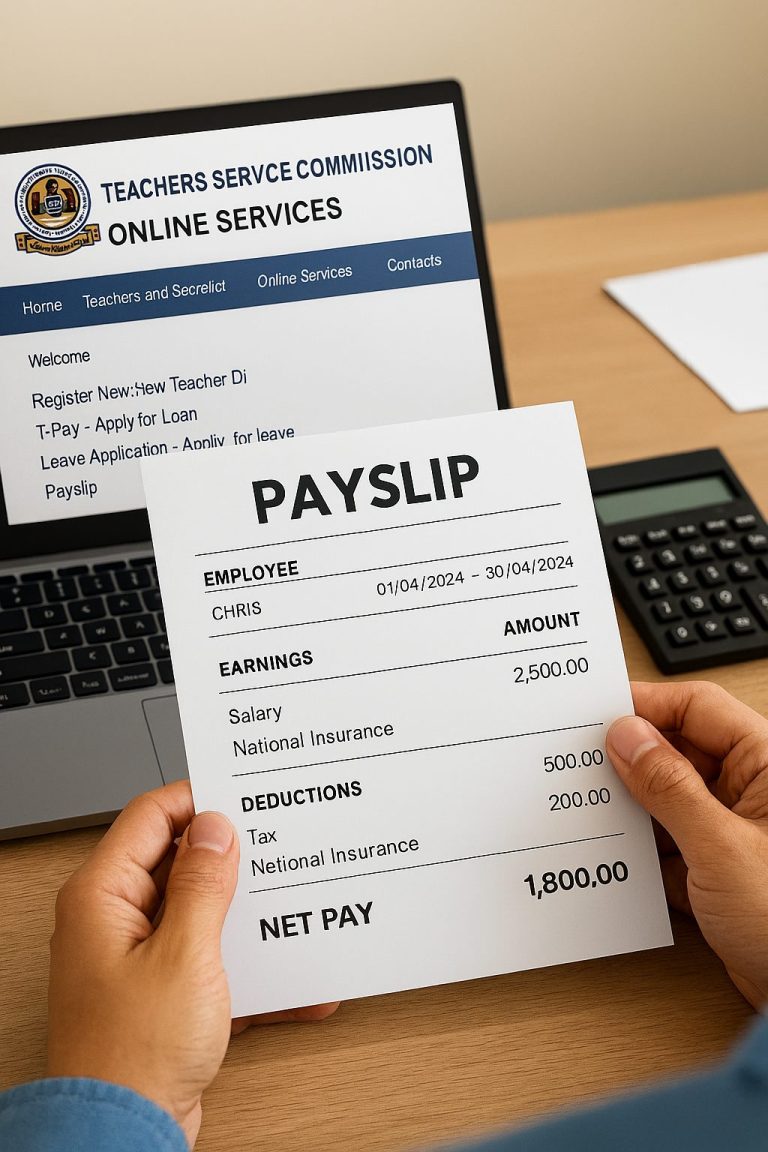
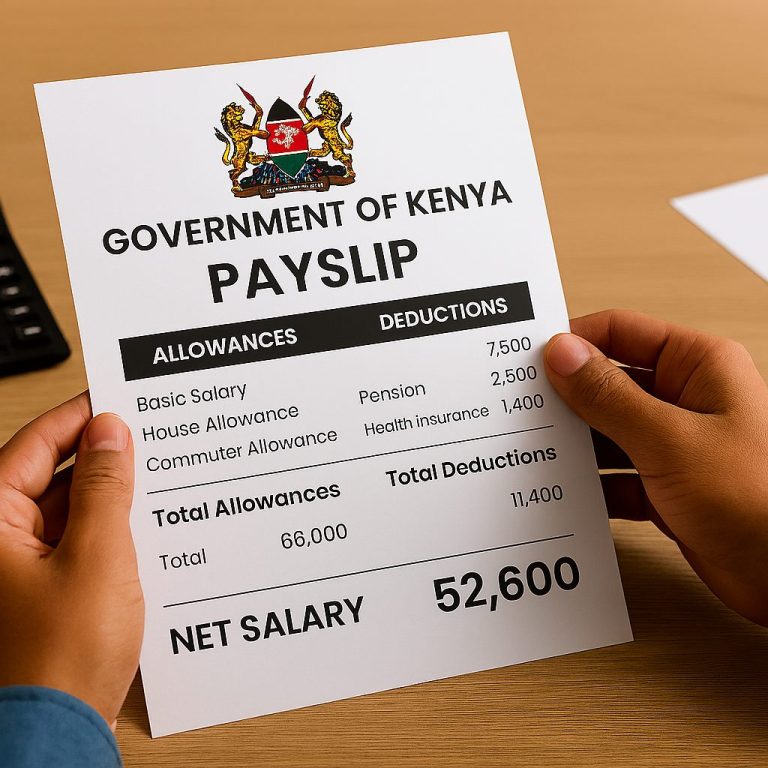
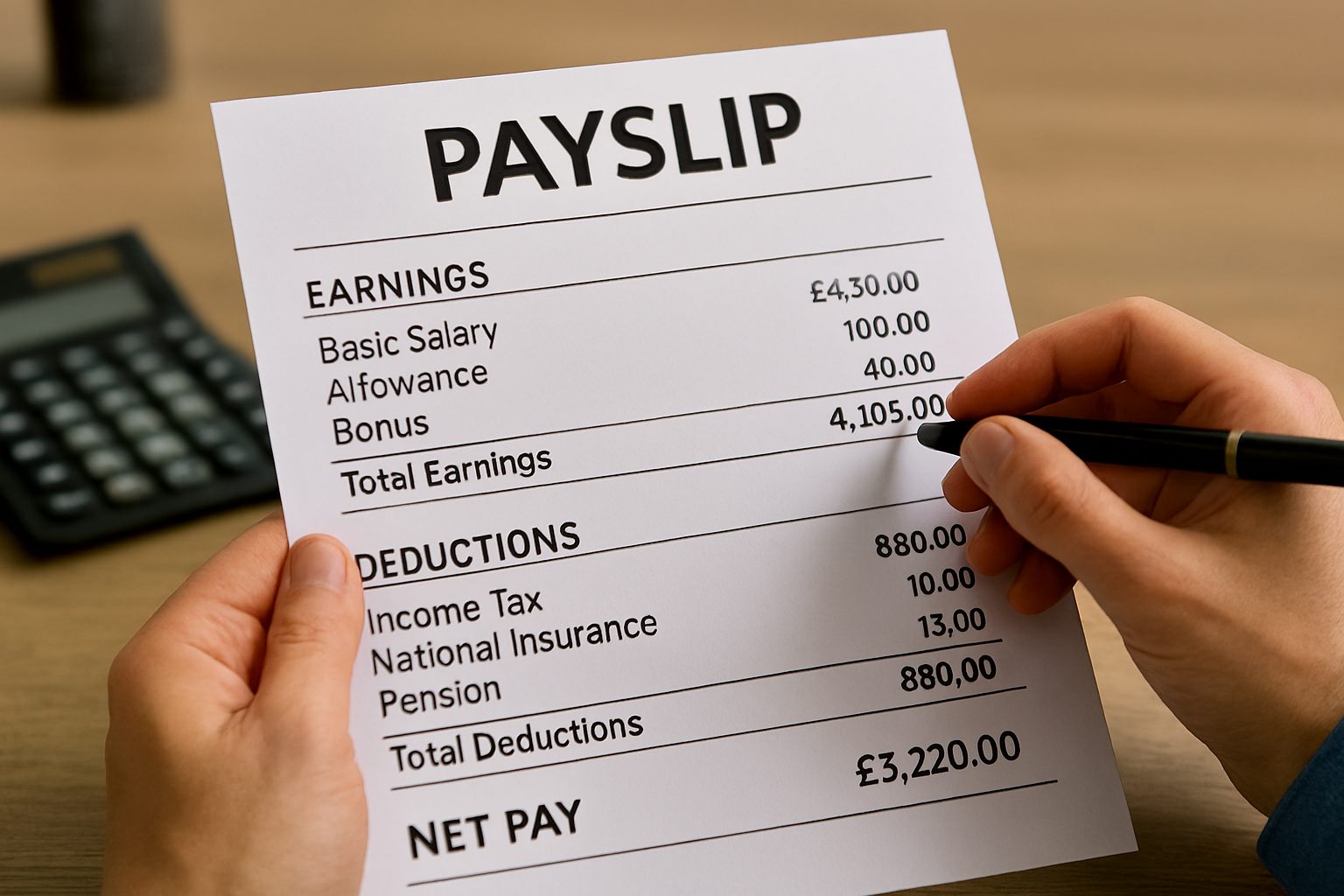
A GHRIS payslip is your official digital salary statement that you can access through the Government Human Resource Information System. Think of it as your monthly financial report card that shows exactly what you earned and what was deducted from your salary.
GHRIS stands for Government Human Resource Information System. It’s an online platform developed by Kenya’s Ministry of State for Public Service to manage human resources for all government employees. The system replaced the old paper-based payslip distribution method that was slow, inefficient, and sometimes unreliable.
Your GHRIS payslip contains critical information including:
- Basic salary – Your core monthly pay
- Allowances – Housing, commuter, medical, risk, and other benefits
- Gross pay – Total earnings before deductions
- Statutory deductions – PAYE (income tax), NSSF, NHIF
- Other deductions – Pension contributions, SACCOS, loans, cooperative societies
- Net pay – What actually lands in your bank account (take-home pay)
The government introduced this digital system around 2016 as part of Kenya’s e-Government strategy. Since then, millions of public servants have benefited from instant access to their salary information without visiting HR offices.
Why Government Employees in Kenya Need GHRIS Payslips
Your GHRIS payslip isn’t just another government document. It’s a powerful tool that serves multiple purposes in your financial life. Here’s why accessing your GHRIS payslip matters:
Financial Planning and Budgeting
When you can see exactly what you’re earning and what’s being deducted, you can plan your monthly budget better. You’ll know your take-home pay before the month even starts, helping you avoid overspending.
Loan Applications
Banks, microfinance institutions, and SACCOS require recent payslips when you apply for loans. With GHRIS, you can generate payslips from the past several years instantly. No more begging the HR officer for copies or waiting weeks for official documents.
Tax Compliance
Your GHRIS payslip shows your PAYE deductions clearly. This information helps you file accurate tax returns with the Kenya Revenue Authority. You can also download your P9 form directly from the GHRIS portal for annual tax filing.
Verification of Employment
Need to prove you work for the government? Your GHRIS payslip serves as official evidence of your employment status, position, and income level. This is useful for visa applications, rental agreements, or when dealing with third parties.
Transparency and Accountability
The digital system reduces errors and makes it harder for ghost workers to exist on government payrolls. You can immediately spot any discrepancies in your salary and report them to your HR department.
Time and Cost Savings
No more taking time off work to visit HR offices. No more transport costs. No more waiting in long queues. Access your payslip from home, office, or even while traveling. The system works on computers, tablets, and smartphones.
Types of Payslips Available on GHRIS
The GHRIS system stores different types of payslips to meet various needs. Understanding these categories helps you find exactly what you’re looking for.
Current Payslips
These are your most recent monthly salary statements. When you log into GHRIS, the current payslip section shows your latest payment information. This is what you’ll need most of the time for loan applications or monthly financial planning.
Previous Payslips
The GHRIS system maintains a complete archive of your salary history. Most employees can access payslips dating back to 2016 or from when they joined the public service, whichever came later. This historical data is valuable when you need:
- Multiple months of payslips for mortgage applications
- Year-end financial reviews
- Comparison of salary progression over time
- Evidence of past employment periods
Special Payslips
Sometimes you might receive special payments like arrears, bonuses, or allowance adjustments. These appear as separate entries in your GHRIS payslip section. Always check both regular and special payment categories when reviewing your salary.
Year-End Documents
Beyond monthly payslips, GHRIS also provides access to annual tax documents like the P9 form. This consolidated annual statement shows your total earnings and tax deductions for the entire year, which you need when filing your returns with KRA.
How to Register for GHRIS Account
Before you can access your GHRIS payslip, you need to create an account on the platform. Here’s the complete registration process:
Step 1: Gather Required Documents
Before starting registration, have these details ready:
- Personal number (your unique government employee ID)
- National ID number
- KRA PIN number
- Valid email address
- Active phone number
Step 2: Visit the GHRIS Portal
Open your web browser and type www.ghris.go.ke in the address bar. Make sure you’re on the official government website—watch out for fake sites.
Step 3: Click “New Employee Registration”
On the homepage, you’ll see different login options. Look for the button or link that says “New to GHRIS? Register here” or “New Employee Registration.” Click on it.
Step 4: Fill in Personal Details
The registration form will ask for:
- Personal number (very important—this becomes your User ID)
- National ID number
- KRA PIN
- Email address (use one you check regularly)
- Phone number
- Create a strong password (mix letters, numbers, and symbols)
- Confirm your password
Step 5: Submit and Verify
After filling in all details correctly, click the submit button. You should receive a confirmation email or SMS. If you don’t get confirmation within 24 hours, contact your HR department.
Step 6: Complete Your Profile
After registration, log in and complete all sections of your profile:
- Basic details (name, gender, date of birth)
- Home area information
- Academic qualifications
- Employment history
- Next of kin and dependants
Important: You cannot access your GHRIS payslips until you’ve filled in all mandatory profile sections. Take time to complete this properly.
Step-by-Step Guide: How to Download GHRIS Payslip
Now that you’re registered, here’s exactly how to access and download your GHRIS payslip:
Step 1: Go to GHRIS Website
Open your browser and visit www.ghris.go.ke. Bookmark this page for quick access next time.
Step 2: Click “Government of Kenya Employee”
On the homepage, you’ll see different login options. Click on the main employee login button that says “Government of Kenya Employee.”
Step 3: Enter Login Credentials
You’ll see two fields:
- User ID: Enter your personal number (not your national ID)
- Password: Type the password you created during registration
Click “Login” or “Sign In.”
Step 4: Navigate to Dashboard
Once logged in, you’ll land on your GHRIS dashboard. Take a moment to familiarize yourself with the layout. You should see various menu options on the left or top of the screen.
Step 5: Find Your Payslips
Look for a tab labeled “My Records” and click on it. This will open a dropdown menu or new page with several options. Select “My Payslip” from the menu.
Step 6: Choose Payslip Period
You’ll now see two main sections:
- Current Payslips – For the most recent month
- Previous Payslips – For older months
Select the section you need, then choose the specific year and month you want to view.
Step 7: View Your Payslip
Click on “View Payslip” button. Your payslip will open in a new tab or window, displaying all your salary details in a clear format.
Step 8: Download and Save
To save a copy of your GHRIS payslip:
- Look for the “Download Payslip” or “Print Payslip” button
- Click it to generate a PDF file
- Choose where to save the file on your device
- Name it appropriately (example: “GHRIS_Payslip_October_2025.pdf”)
Step 9: Print (Optional)
If you need a physical copy:
- Open the downloaded PDF
- Click the print icon
- Select your printer
- Choose print settings
- Print your copy
Time Saving Tip: Create a dedicated folder on your computer or phone called “GHRIS Payslips” and save all your downloaded payslips there. This makes them easy to find when you need them.
Cost Breakdown: Accessing GHRIS Payslips
One of the best things about the GHRIS payslip system is that it’s completely free. Here’s what you need to know about costs:
| Service | Cost | Notes |
|---|---|---|
| GHRIS Registration | Free | One-time process |
| Accessing Payslips | Free | Unlimited access 24/7 |
| Downloading Payslips | Free | Save as many as you need |
| Viewing Past Payslips | Free | Access years of records |
| Internet Data | KES 5-50 | Depends on your data plan |
| Printing | KES 10-20 per page | Only if you need hard copies |
The only real cost you’ll incur is internet data. A typical GHRIS session uses about 2-5 MB of data, which costs less than KES 10 on most mobile data plans. If you’re printing physical copies, factor in printing costs at your local cybercafé (usually KES 10-20 per page).
Compared to the old system where you might spend KES 200-500 on transport to visit the HR office, plus taking time off work, the GHRIS system saves you significant money and time.
Common Mistakes to Avoid When Using GHRIS
Even with a simple system like GHRIS, people make avoidable errors. Here are the most common mistakes and how to prevent them:
Using National ID Instead of Personal Number
Many new users try logging in with their national ID number. Your User ID for GHRIS is your personal number (government employee number), not your national ID. This is one of the most common login failures.
Weak or Forgotten Passwords
Creating passwords like “12345” or “password” puts your account at risk. Similarly, forgetting your password and not having a way to reset it causes unnecessary frustration. Create a strong password and store it securely.
Incomplete Profile Information
You cannot access your GHRIS payslips if your profile isn’t complete. Many users register but skip filling in their academic details, employment history, or next of kin information. The system won’t let you proceed until all mandatory fields are filled.
Using Unsecured Networks
Logging into GHRIS on public WiFi at cafés or hotels without security measures risks your personal information. Use your mobile data or a trusted private network when accessing sensitive salary information.
Not Saving Downloaded Payslips
Some people view their payslips online but forget to download and save copies. Then when they need them urgently (maybe for a loan application), they can’t access GHRIS due to system maintenance or poor internet. Always download and save your payslips.
Ignoring System Updates
GHRIS occasionally undergoes maintenance or updates. If you try accessing the system during these periods, you might think your account has problems. Check the official Public Service Commission website for scheduled maintenance announcements.
Sharing Login Credentials
Never share your GHRIS password with colleagues, friends, or even family members. Your salary information is personal and confidential. Protect your account like you protect your M-Pesa PIN.
Not Verifying Payslip Details
Some employees download their payslips without actually reading them. Always check that your salary, allowances, and deductions are correct. If you spot errors, report them immediately to your HR department.
Troubleshooting GHRIS Payslip Access Issues
Sometimes you might face challenges accessing your GHRIS payslip. Here are common problems and their solutions:
Problem: Forgotten Password
Solution: On the login page, click “Forgot Password.” Enter your personal number and registered email address. The system will send you a password reset link. Check your email (including spam folder) and follow the instructions. If this doesn’t work, contact your HR department for assistance.
Problem: Login Page Won’t Load
Solution: This could be due to several reasons:
- Check your internet connection
- Clear your browser cache and cookies
- Try a different browser (Chrome, Firefox, or Safari usually work best)
- Wait a few hours and try again—the system might be under maintenance
- Check if you’re using the correct URL: www.ghris.go.ke
Problem: Can’t Download Payslip PDF
Solution:
- Enable pop-ups in your browser settings
- Update your PDF reader software
- Try downloading from a computer instead of a phone
- Check if you have enough storage space on your device
- Use the “Print” option and save as PDF if direct download fails
Problem: Payslips Not Showing
Solution: If your payslip section is empty or shows no records:
- Verify you’ve completed all sections of your profile
- Contact your HR officer—they may need to activate your account
- Ensure your employment details are properly captured in the system
- Check if you’re looking in the right section (Current vs Previous)
Problem: Account Locked
Solution: After multiple failed login attempts, GHRIS may temporarily lock your account. Wait for 30 minutes and try again. If the problem persists, email ghrishelp@psyg.go.ke or visit your HR department.
Problem: Mobile Access Issues
Solution: The GHRIS portal works on smartphones, but sometimes mobile browsers cause problems:
- Use Chrome browser on your phone
- Request “Desktop site” in browser settings
- Ensure you have stable 3G or 4G connection
- Try accessing from WiFi instead of mobile data
Security Tips for Protecting Your GHRIS Payslip
Your GHRIS account contains sensitive personal and financial information. Follow these security practices to keep your data safe:
Create a Strong Password
Use at least 10 characters combining uppercase letters, lowercase letters, numbers, and special symbols. Avoid obvious passwords like your name, birth date, or “password123.” A strong password might look like: “TeaCh$r2025!GoK”
Change Password Regularly
Update your GHRIS password every 3-6 months. This reduces the risk if someone somehow got your old password.
Enable Two-Factor Authentication (If Available)
If GHRIS offers two-factor authentication, activate it. This adds an extra security layer by requiring a code sent to your phone when logging in from new devices.
Log Out After Each Session
Always click “Log Out” when you finish using GHRIS, especially on shared computers or mobile devices. Simply closing the browser tab isn’t enough.
Verify Website URL
Before entering your credentials, confirm you’re on the genuine GHRIS website (www.ghris.go.ke). Scammers create fake lookalike sites to steal login details.
Use Secure Internet Connections
Avoid accessing GHRIS on public WiFi networks at hotels, cafés, or airports. These networks are often unsecured and can be monitored by hackers. Use your mobile data or a trusted private network instead.
Don’t Save Passwords in Browsers
When your browser asks “Remember password?”, click “Never” for GHRIS. While convenient, saved passwords can be accessed if someone else uses your device.
Monitor Your Account Regularly
Log into your GHRIS account monthly to check for any unusual activity. If you notice salary changes you don’t recognize or access from unfamiliar locations, report immediately.
Beware of Phishing Emails
Government agencies won’t ask for your GHRIS password via email or SMS. If you receive suspicious messages claiming to be from GHRIS asking for login details, don’t respond. Report them to your IT department.
Secure Your Downloaded Payslips
Store downloaded payslips in password-protected folders on your device or in secure cloud storage like Google Drive with two-factor authentication enabled.
Future Trends in Kenya’s Public Service Payroll System
The GHRIS system continues evolving with new technologies. Here’s what the future holds:
Mobile Application Development
The government is working on a dedicated GHRIS mobile app for Android and iOS. This will make accessing payslips even easier than using web browsers on phones. You’ll receive push notifications when new payslips are available.
Biometric Authentication
Future updates may include fingerprint or facial recognition login options. This will improve security while making access faster and more convenient.
Integration with Banking Services
Plans are underway to link GHRIS directly with banks and mobile money platforms. You might soon be able to apply for loans directly through GHRIS, with your payslip data automatically shared with lenders.
Real-Time Salary Updates
Currently, payslips appear after salaries are paid. Future systems might show real-time salary processing, letting you track when your payment is being prepared and processed.
Artificial Intelligence Features
AI could help predict your tax obligations, suggest savings plans based on your salary, or alert you to unusual deductions automatically.
Blockchain Technology
For ultimate transparency and security, the government is exploring blockchain to store payroll data. This would make salary records tamper-proof and provide an unchangeable audit trail.
Enhanced Self-Service Features
Future GHRIS versions may let you update more information yourself without going through HR—like changing bank details, updating phone numbers, or modifying tax reliefs.
Integration with Pension Systems
Direct links between GHRIS and pension administrators will make retirement planning easier. You’ll see projected pension amounts based on your current salary and contribution history.
Digital Signatures and Approvals
Electronic signing of HR documents through GHRIS will reduce paperwork further. Leave applications, promotion letters, and transfer documents might all go fully digital.
Want to stay updated on digital transformation in Kenya? Check out these digital marketing trends shaping our country, as reported by Business Daily Africa.
Frequently Asked Questions About GHRIS Payslip
Q: What should I do if I forget my GHRIS password?
A: Click on “Forgot Password” on the login page. You’ll need your Personal Number and registered email address. The system will send you a password reset link. If this doesn’t work, contact your HR department or email ghrishelp@psyg.go.ke for assistance.
Q: Can I access GHRIS payslips from my phone?
A: Yes! The GHRIS portal works on smartphones, tablets, and computers. Just open your mobile browser and visit www.ghris.go.ke. The site automatically adjusts to fit your screen. Use Chrome browser for best results on mobile devices.
Q: How far back can I view my old payslips?
A: GHRIS stores payslips from the time the system was introduced. Most employees can access payslips dating back to 2016 or when they joined the service, whichever is later. All these historical records are available for download.
Q: Do I need to pay to download my GHRIS payslip?
A: No. Accessing and downloading your GHRIS payslip is completely free. You only pay for internet data (usually less than KES 10 per session) and printing costs if you need physical copies.
Q: What if my payslip shows wrong information?
A: First, take a screenshot or download the incorrect payslip as evidence. Then contact your HR department immediately. They can investigate and make corrections if necessary. Don’t ignore errors, even small ones.
Q: Can I get payslips for years before GHRIS was introduced?
A: For payslips before 2016 (when GHRIS started), you’ll need to contact your HR department directly. These older records weren’t digitized and may only be available in paper form.
Q: Is my salary information on GHRIS secure?
A: Yes. GHRIS uses government-grade encryption and security measures to protect your data. However, you must also do your part by using strong passwords, not sharing login details, and accessing the system only on secure networks.
Q: What’s the difference between GHRIS and IPPD?
A: GHRIS (Government Human Resource Information System) is the main HR platform for all government employees. IPPD (Integrated Payroll and Personnel Database) was an older payroll system. In December 2024, IPPD was upgraded to HRIS-Kenya Payroll System, which works with GHRIS.
Q: Can I update my bank details through GHRIS?
A: Some personal details can be updated directly on GHRIS, but bank account changes usually require you to fill a form and submit it through your HR department for security reasons. Check with your specific ministry or department for their policy.
Q: What should I do if GHRIS website is not working?
A: System maintenance is sometimes scheduled. Try these steps: wait a few hours and try again, check your internet connection, try a different browser, clear browser cache and cookies, or check the Public Service Commission website for maintenance announcements.
My Personal Experience with GHRIS Payslip
Let me share my journey with the GHRIS system because it hasn’t always been smooth sailing—but it’s been worth it.
I remember the days before GHRIS when getting a payslip meant leaving my desk, walking to the HR office, and hoping the officer was available. Sometimes I’d make the trip only to be told, “Come back tomorrow, the printer isn’t working” or “We haven’t received payslips from headquarters yet.” It was frustrating, time-consuming, and honestly, a bit humiliating having to explain why you needed your own salary statement.
When GHRIS was first introduced, I’ll admit I was skeptical. I’m not the most tech-savvy person, and the idea of creating online accounts and passwords felt overwhelming. I put off registering for weeks, maybe months.
Then one Saturday afternoon, I needed my last three payslips urgently for a loan application. The bank wanted them by Monday. My heart sank—it was the weekend, HR offices were closed, and I’d procrastinated too long. That’s when I finally sat down and registered for GHRIS.
The registration process took me about 20 minutes. I had to pause several times to find my KRA PIN, confirm my personal number, and create a password I could actually remember. But once I got through it and logged in for the first time, I felt like I’d been given superpowers.
There they were—all my payslips from the past two years, ready to download. I downloaded what I needed, saved them, and emailed them to my bank. Problem solved in under an hour, without leaving my house or spending a shilling on transport.
Since then, I’ve become a GHRIS evangelist among my colleagues. I show them how to register, help them troubleshoot login issues, and remind them to update their profiles. I’ve even helped older colleagues who were afraid of “computers” access their payslips on their smartphones.
I’ve learned to download my payslip at the beginning of each month and save it in a Google Drive folder. I keep both current-year payslips and an “Archive” folder for older ones. This habit has saved me countless times when I needed documents quickly for visa applications, school fee loans, or financial planning.
The system isn’t perfect. I’ve encountered the “server busy” message during peak hours, forgotten my password once (my fault), and struggled with PDF downloads on my phone. But these minor inconveniences are nothing compared to the freedom and control GHRIS gives me over my salary information.
What I appreciate most is the transparency. I can see every shilling I earn and every deduction made. When my housing allowance increased last year, I saw it immediately on my payslip. When NHIF rates changed, I could verify the new deduction was correct. This visibility empowers me to catch errors quickly and plan my finances better.
My advice? Take 10 minutes today to register on GHRIS if you haven’t already. Save your login details somewhere safe. Download your current payslip and save it. You’ll thank yourself later when you need it urgently.
Don’t let fear of technology hold you back. The system is designed for regular people like us, not computer experts. If you get stuck, ask a colleague, visit your IT department, or even watch a YouTube tutorial. Once you’re set up, you’ll wonder how you ever managed without it.
Survey Question
We’d love to hear from you!
How often do you access your GHRIS payslip?
- Daily
- Weekly
- Monthly (when salary is paid)
- Quarterly
- Only when needed (for loans, applications, etc.)
- I haven’t registered yet
Share your answer in the comments below, and let us know what challenges you face with the GHRIS system. Your feedback helps us create better guides!
Key Takeaways
Before we wrap up, here’s what you need to remember about GHRIS payslips:
It’s Free: Accessing your GHRIS payslip costs nothing. You only pay for internet and printing if needed.
It’s Fast: Once you’re registered, getting your payslip takes less than 5 minutes from any device.
It’s Available 24/7: Access your payslip anytime—early morning, late night, weekends, or holidays. No more office hours restrictions.
It’s Secure: Your information is protected by government-grade security systems, but you must use strong passwords and secure networks.
Keep Backups: Always save downloaded payslips on your device and cloud storage like Google Drive or OneDrive.
Update Regularly: Keep your contact information current on GHRIS so you receive important notifications about system changes.
Complete Your Profile: You cannot access payslips until all mandatory profile sections are filled in correctly.
Use Your Personal Number: Your login User ID is your personal number (government employee number), not your national ID number.
Check for Errors: Always review your payslip details. If you spot mistakes in salary or deductions, report them to HR immediately.
Help Others: Share your knowledge with colleagues struggling with GHRIS. Building digital literacy strengthens our entire public service.
For more ways to improve your digital skills and find additional income opportunities, visit ZangCash for online jobs in Kenya.
Conclusion
The days of queuing at HR offices for salary statements are behind us. With the GHRIS system, you have complete control over your salary information. You can access it anywhere, anytime, and as many times as you need. This is the power of digital transformation in Kenya’s public service.
Don’t wait until you urgently need your payslip to learn how to use the system. Take action today. Register on the GHRIS portal if you haven’t already, familiarize yourself with the interface, and download your current payslip. Store your login details safely, and you’ll never have to worry about getting your salary statement again.
The GHRIS payslip system represents more than just technological progress—it represents transparency, efficiency, and respect for government employees’ time. It puts you in the driver’s seat of your financial information, enabling better planning, faster loan applications, and greater peace of mind.
Remember, knowledge is power. Share this guide with your colleagues who might be struggling with the GHRIS system. Help them understand that accessing their payslips doesn’t have to be complicated. Together, we’re building a more digitally literate public service.
Ready to take the next step? Don’t just read—take action today. Join hundreds of Kenyans making money online through ZangCash, where businesses gain real customers and individuals find legitimate online opportunities. Whether you’re looking to supplement your government salary or help others access digital services, the digital economy is waiting for you.
Have questions or experiences to share? Drop a comment below. Tell us about your GHRIS journey—what worked, what didn’t, and what tips you’d give to fellow government employees. Your story might help someone else struggling with the system right now.
Sources and References
This guide is based on authoritative sources to ensure accuracy and reliability:
- Government of Kenya – Ministry of State for Public Service: Official information about the GHRIS system and its implementation across government departments. The ministry oversees all human resource management for public servants. Visit Public Service Website
- Kenya National Bureau of Statistics (KNBS): Statistical data on public sector employment and salary structures in Kenya, providing context for government payroll systems. KNBS Official Website
- Business Daily Africa: Reports and analysis on digital transformation in Kenya’s public sector, including the adoption of online HR systems. Their coverage helps contextualize GHRIS within Kenya’s broader digitalization efforts. Read Business Daily
- TechCrunch Africa: Articles on technology adoption in African government services, highlighting the impact of digital solutions on efficiency and transparency. TechCrunch Africa
- HubSpot Blog: Best practices for digital service delivery and user experience design, applicable to government portals like GHRIS. These principles help evaluate and improve user-facing government systems. HubSpot Resources
- Statista – Social Media & Digital Usage in Kenya: Statistics showing internet penetration and digital literacy rates among Kenyan professionals, providing insights into the readiness for digital government services. Statista Kenya Data
- Entrepreneur.com: General guidance on digital transformation and technology adoption in organizations, relevant to understanding how systems like GHRIS improve operational efficiency. Entrepreneur Magazine
- Public Service Commission of Kenya: Constitutional body responsible for overseeing public service payroll management and HR policies that govern GHRIS operations.
Quiz Answers:
If you’re wondering about the survey question earlier:
- Monthly (when salary is paid) is the most common answer among government employees
- Only when needed is the second most common response, typically for loan applications or official documentation
- We encourage monthly access to verify your payslip accuracy and catch any errors early
Stay informed, stay secure, and make the most of your GHRIS payslip system!